Singapore · timesheet · MOM overtime
Singapore timesheet & MOM overtime app
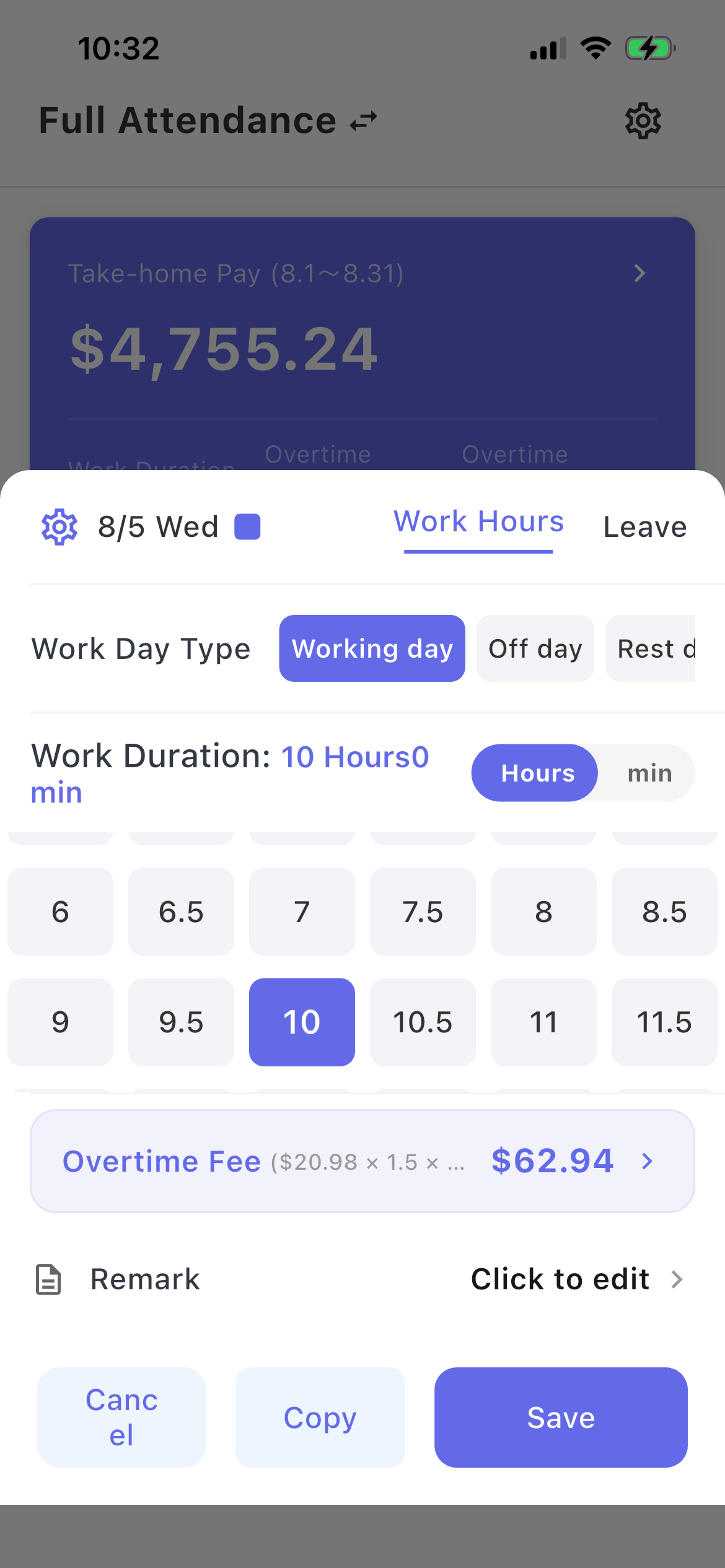
Clock in or log overtime. Working-day OT is 1.5× after scheduled hours. Rest day, off day, and public holiday each follow MOM steps.
Inside the app
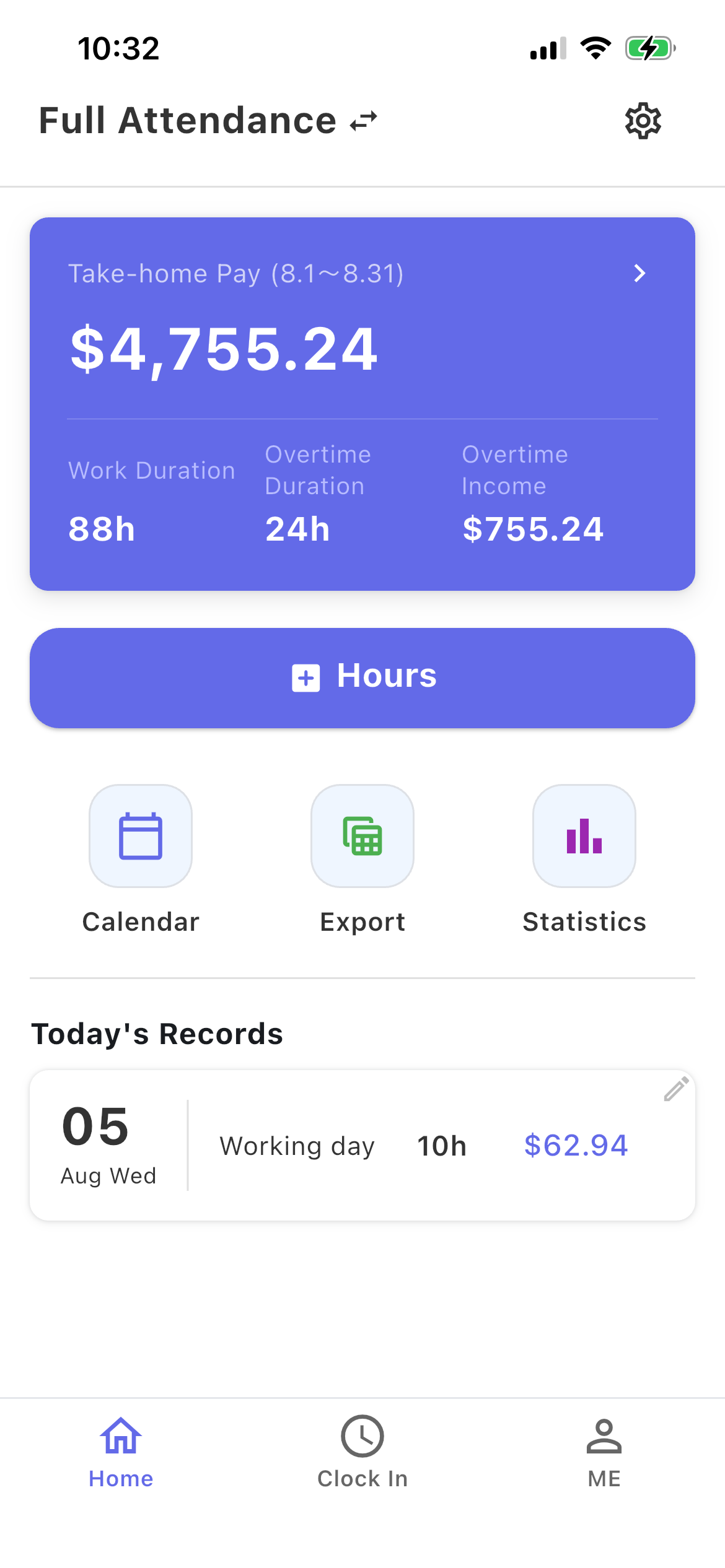
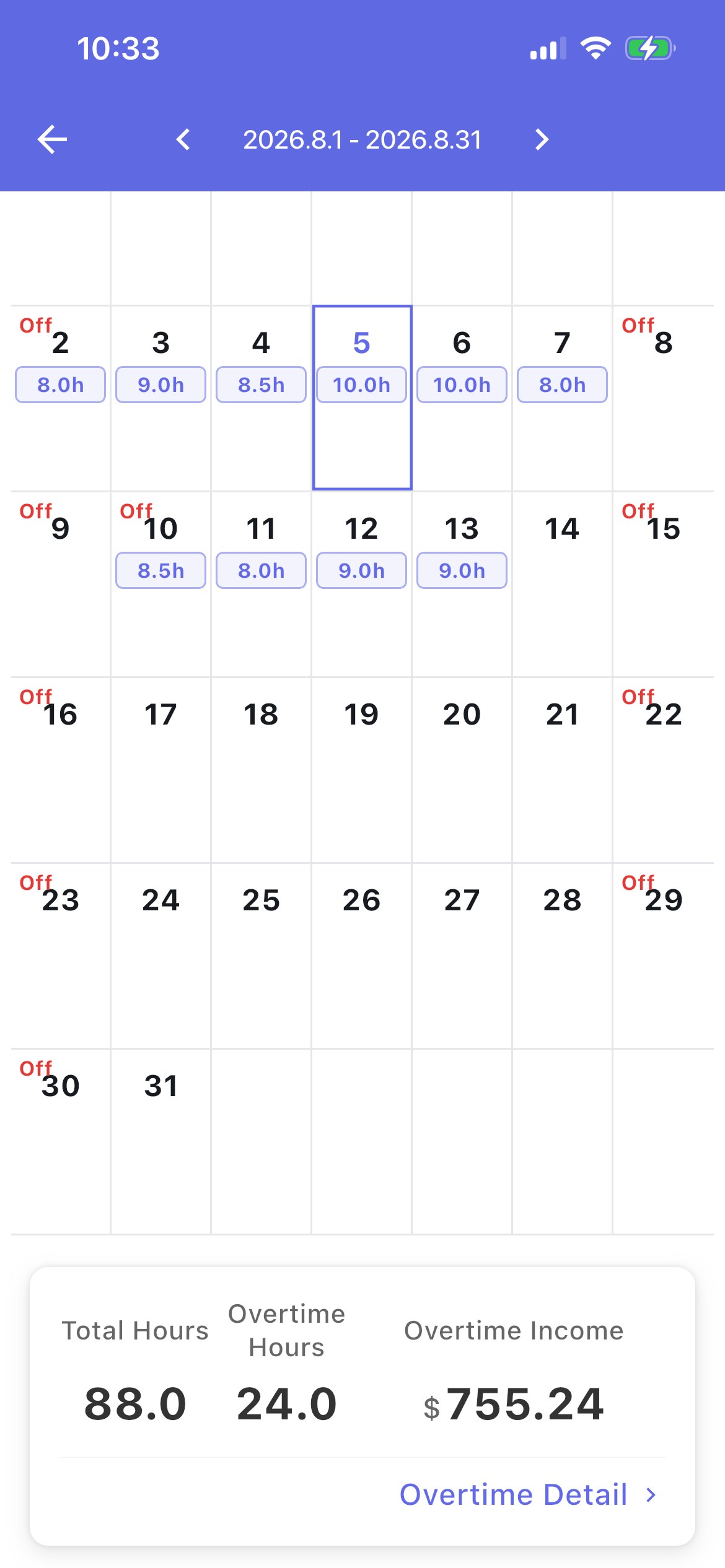
Log hours, check the calendar, see overtime split out
Calculator, then the rules
Estimate OT first, then read the MOM hours rules.
Hours and overtime in one place
For full-time and hourly work in Singapore
Time tracking
Log clock-ins or overtime hours and see totals for the month.
Pay estimates
Monthly or hourly. Add allowances and deductions you already know.
MOM overtime
1.5× after scheduled hours; rest day uses daily-rate steps, not a flat hourly × 8.
Calendar
See each day’s hours and day type.
Other countries
Switch region in the app for Taiwan, Japan, the US, and more.
History
Keep hours and pay to check against your payslip.
How is overtime calculated in Singapore?
Working-day OT is 1.5× after scheduled hours. Off day is 1.5× on every hour. Rest day uses daily-rate steps. Public holiday adds an extra day’s pay.
- Working day: 1.5× hourly after scheduled hours N (often 8)
- Off day: 1.5× on all hours H
- Rest day: daily-rate steps, then OT if hours exceed N
- Public holiday: extra one day’s pay, plus OT where it applies
MOM snapshot
How it works
Three steps
Pick Singapore
Set the region in the app to Singapore.
Log the day
Clock in or type hours.
See the estimate
OT follows MOM working / off / rest / PH rules.
Get EasySalary
Track hours. See overtime by MOM rules.